How I Built the Updated BloomWatch Logo in 3.5 Hours with Claude
Round 1: first pass
KeptMonoline style only
The brief to Claude Design: the current logo, a screenshot of the app icon, and seven inspiration images.
“Here's the current logo. Obviously not great (not clean, no personality). Here are some inspirational images. Make a BUNCH of logo images which will work large and small. For BloomWatch I like the white for now, but give me a few other fonts to compare it to, and play around a bit here too. I want to make something decent.”
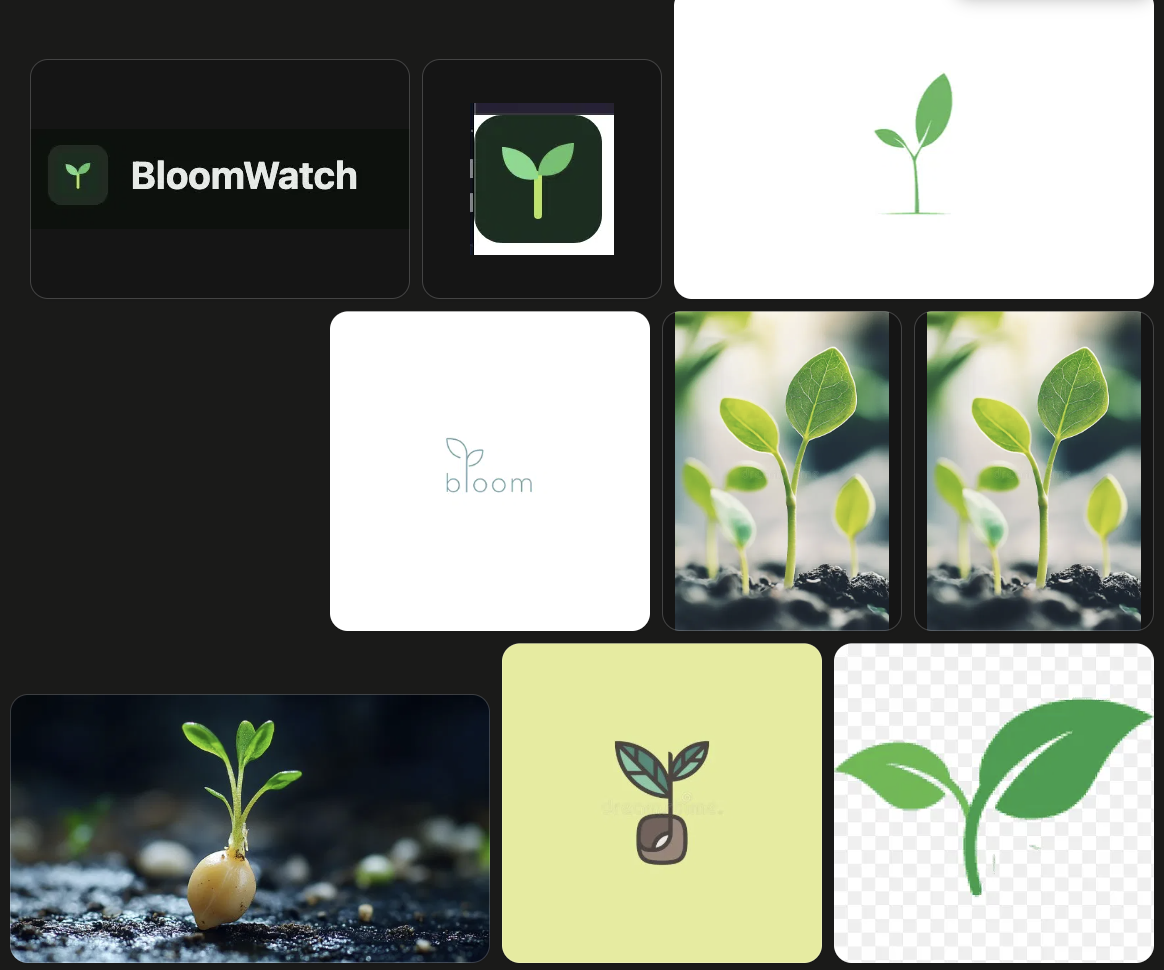
Back came 15 marks, 12 wordmark fonts, 6 lockups, and 5 tile palettes. The marks were bland and the fonts too alike to tell apart. Rounded faces like Nunito were ruled out, since BloomWatch customers are sales teams. Round 2 kept only the monoline style, rebuilt from clean arcs with sharp leaf tips.
Round 2: seven marks, six fonts
PickedContinuum mark, Geist wordmark
Every mark is built from straight lines and circular arcs joined tangent to each other, at one stroke weight. Each card was rendered as an app tile, on white, and at a true 16 px.
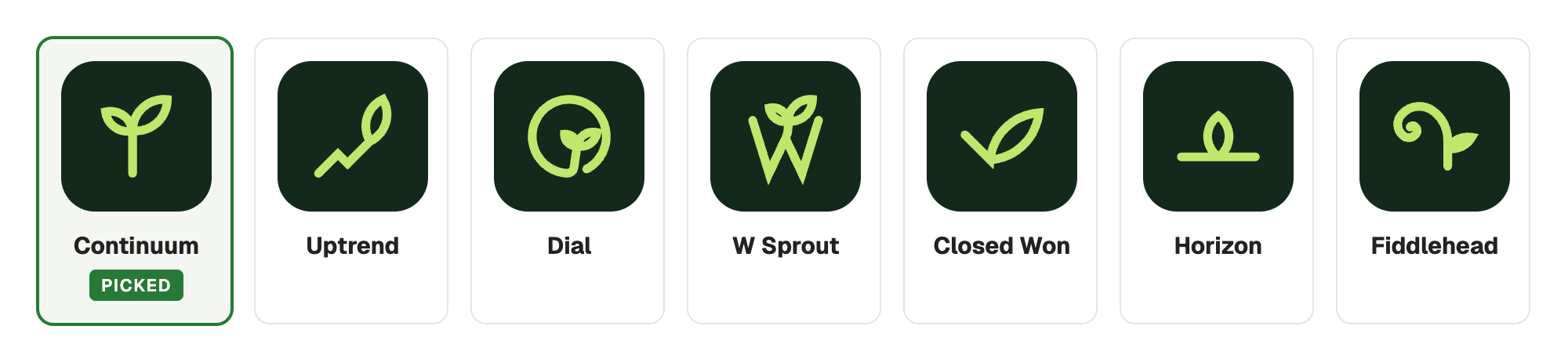
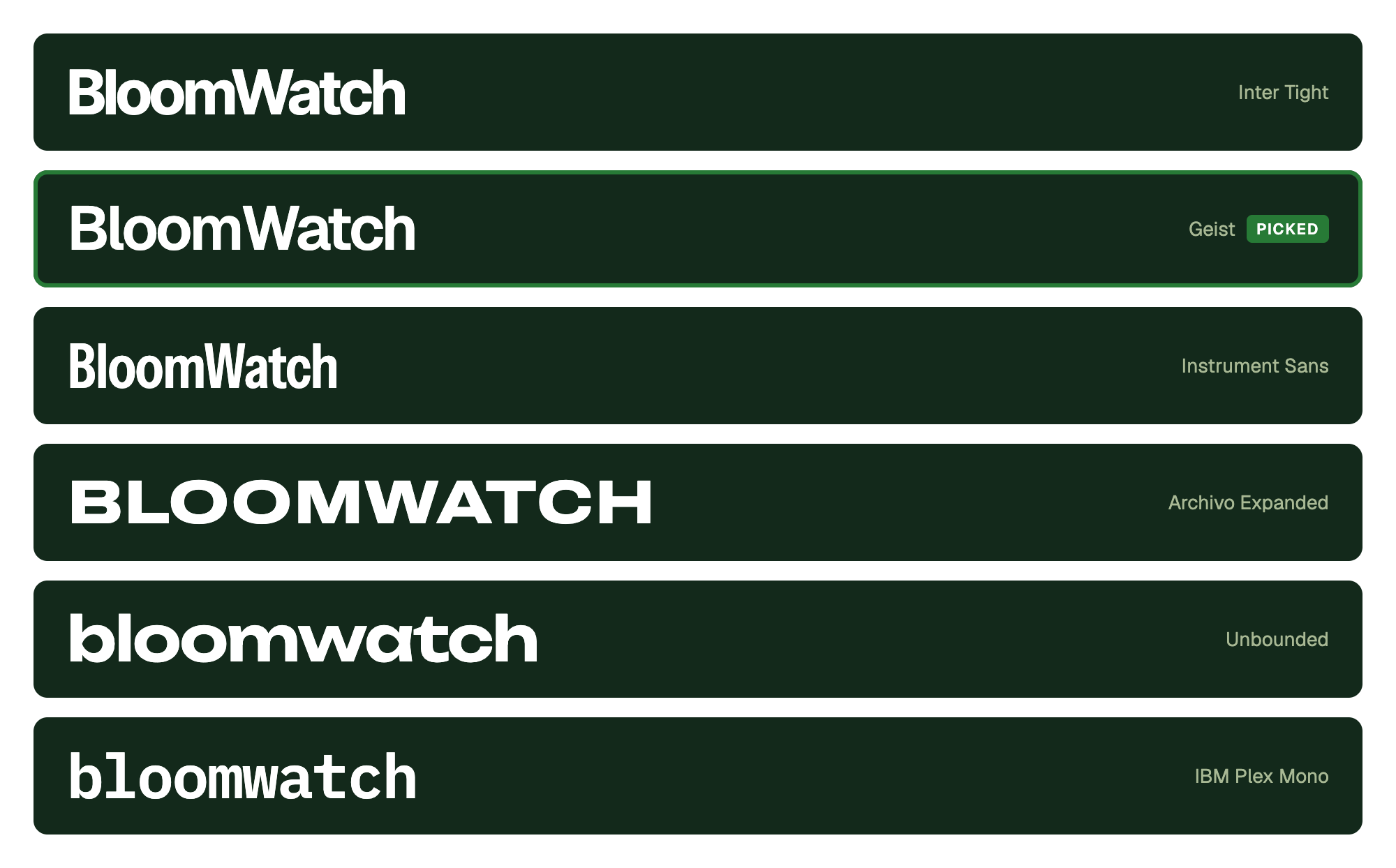
Continuum won because it reads as a sprout at any size and stays one line. Six wordmark directions ran alongside it, from neutral to loud:
Round 3: shape, then weight
PickedShort stem, stroke 9.75
Round 2 drew a heavier cut for small sizes. I dropped it: the mark is one fixed drawing at every size and on every background, and only the color changes. Six shape variations first:
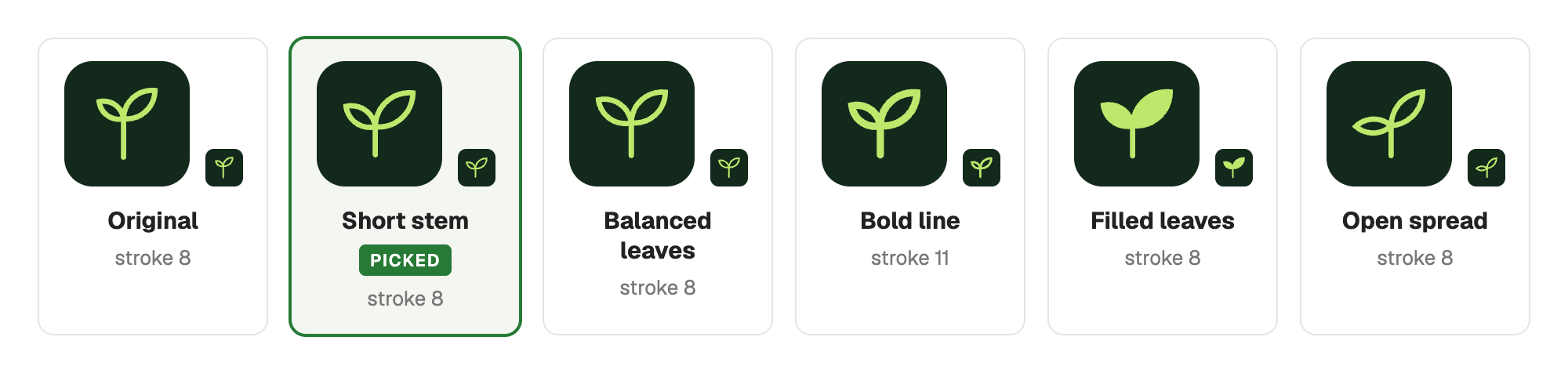
Stroke 8 was too thin and 11 too thick. The weights between them, then 9.5 to 10.25 in quarter steps, landed on 9.75:

Color
PickedLime #BDE86C and white on #13291B; green #277A36 and green gray #37433C on light
For light backgrounds, three greens (the middle one is the exact average of the other two) and ten colors for “Watch”. Near black was too heavy, soft gray green too light:
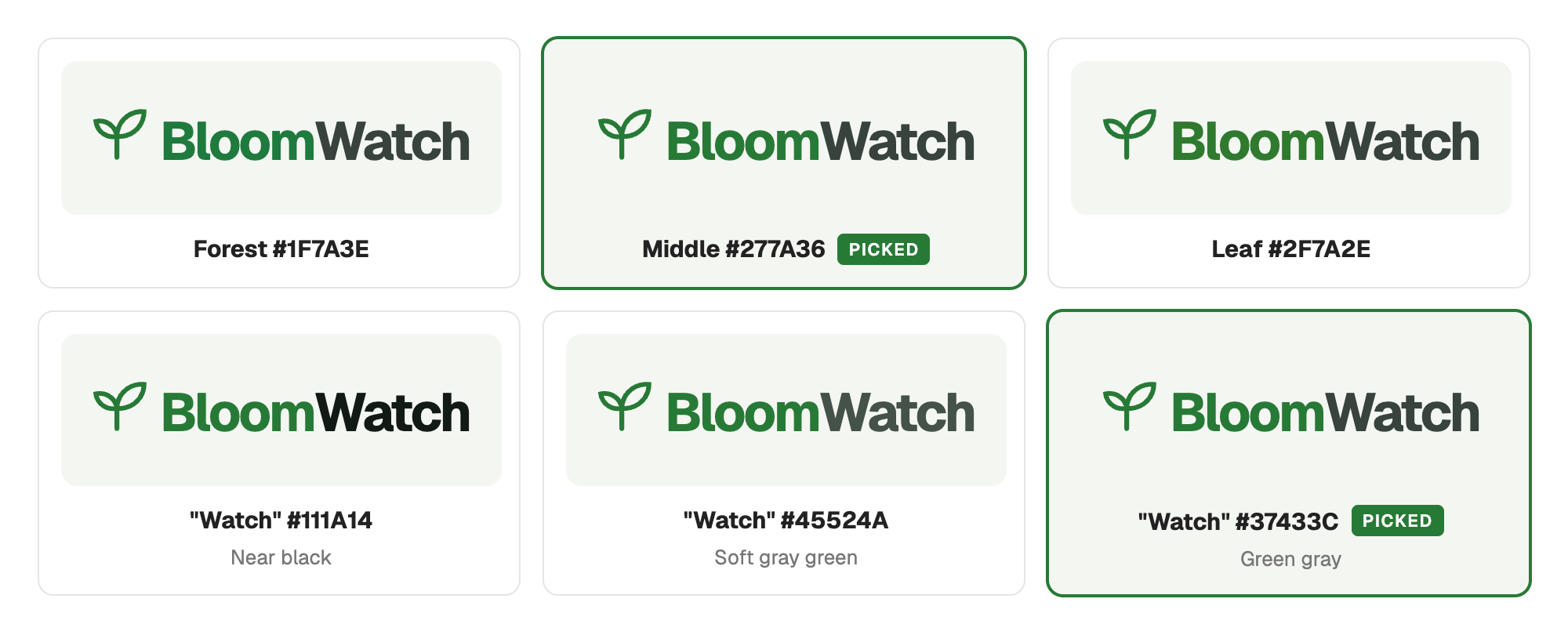
Lime worked in the logo and was too bright as a fill, so lime is logo only. Buttons, badges, and charts use five earth tones instead:

Designer review
My designer friend Lina reviewed the brand page (“nice, clean, colours are good”) with two notes. The stem ended below the text, 13.2 px at a 64 px wordmark, because the mark was centered on the text box. And the wordmark could be heavier.
Fix: crop the mark so its bottom edge is the stem's round cap, then align it to the text baseline instead of centering it. Measured offset after: 0.00 px. Weights 600, 650, 700, and 750 went side by side and 700 won.
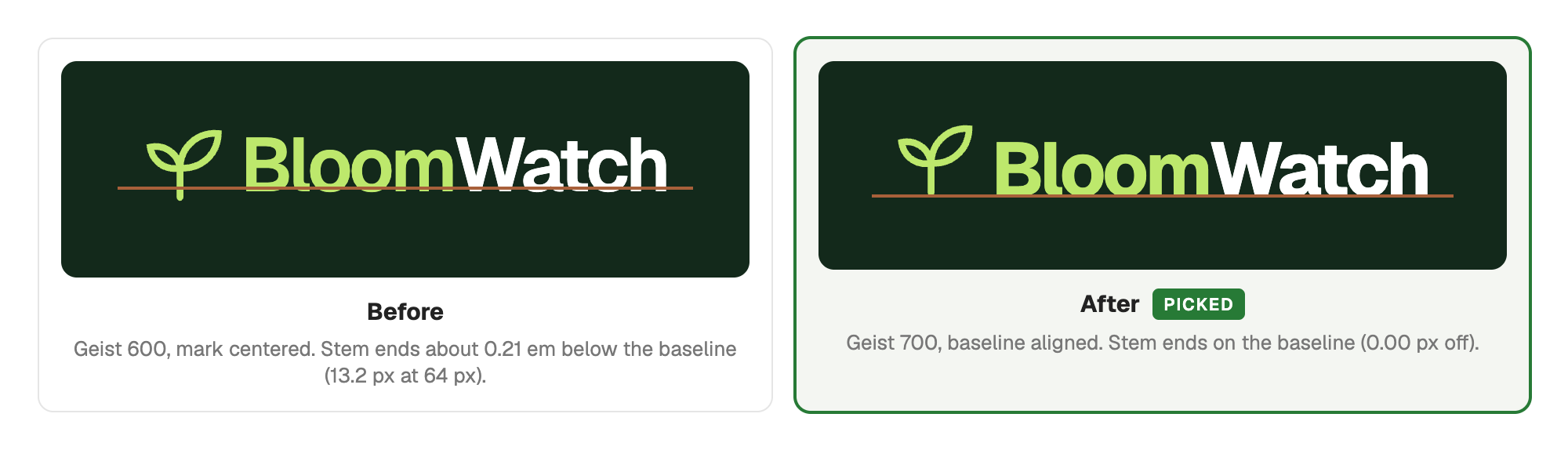
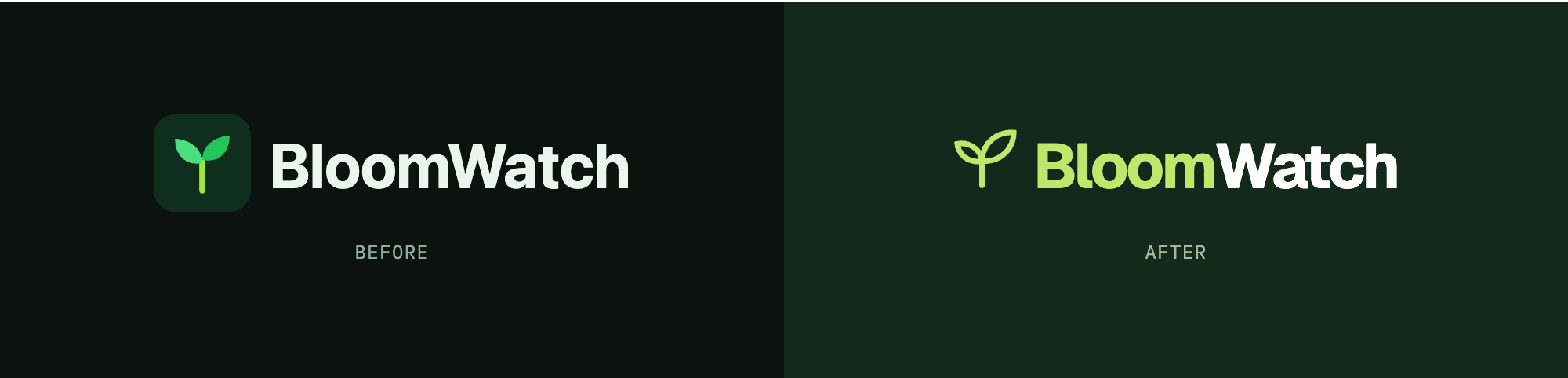
Before and after
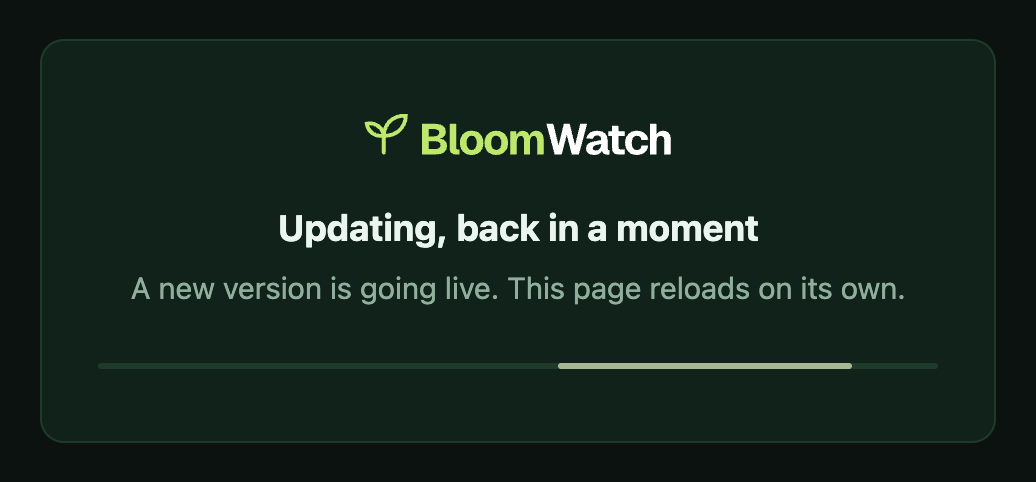
Rolled out the same day as the final pick: favicon, iOS icon, web app manifest, share image, page headers, sidebar, emails, and the deploy maintenance page. The wordmark is outlined to paths, so nothing waits on a web font. Emails get PNGs, since Gmail and Outlook don't render SVG.
App icon and favicon
Before
 64 px32 px16 px
After
 64 px32 px16 px
Landing page header
Before

After

Sign in
Before
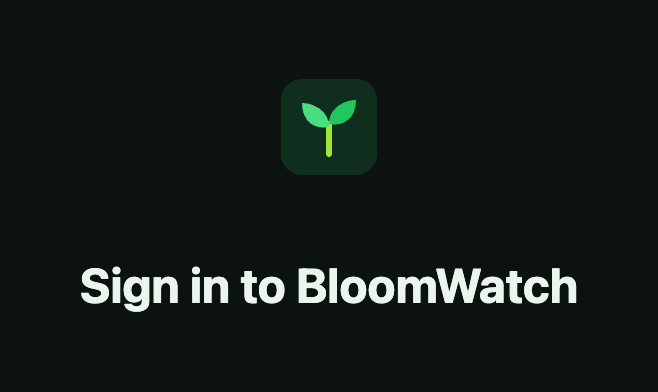
After
Email digest header
Before

After

Email upgrade line
Before

After

Go Fresh button
Before

After

Share image
Before
After
Deploy maintenance page
Before
After
Conclusion
One mark, one font, and one stroke weight, used unchanged everywhere, from about 3.5 hours of hands-on work. The calendar says 5 days, Oct 16 to 21. Most of it was waiting on Lina's reply.
- Round 1 in Claude Design (Oct 16)
- 40 min
- Shape, stroke, color, brand page (Oct 19)
- 1 h 35 min
- Designer review fixes (Oct 21)
- 15 min
- Rollout, 29 app files (Oct 21)
- 1 h
- Hands-on time
- about 3.5 h
Times are active time from session logs, with gaps over 15 minutes left out.
The speed came from asking for variations instead of describing a design. Each request came back as a rendered page within a few minutes, so a round was: look, pick, ask for the next set. 81 options were rendered across all rounds. The Oct 19 session ran 28 prompts in 95 minutes and covered shape, stroke weight, color, and a full brand page.
The most useful request was a variation between two versions. When two options were both close, I asked for the ones in between:
- Three shapes between the original and the bold line
- Stroke weights 9.5 to 10.25 in quarter steps, between 8 (too thin) and 11 (too thick)
- A green at the exact average of forest and leaf
- A “Watch” gray between near black and soft gray green
This is not a replacement for a designer or a real design process. It is good at two things: getting a logo from nothing to a first version in a few hours, and raising it to a standard you can ship without embarrassment.
What I learned
- AI raises design quality fast. Each step up cost one prompt and a few minutes, so I kept pushing on details as small as a quarter point of stroke weight.
- Ask for options in between. Two close options plus “give me the ones between these” got to a decision faster than any new direction.
- Compare renders, not descriptions. Every round was a page of real renders at real sizes, side by side, with the pick made from the page.
- One drawing at every size. One stroke weight means one file per color, not a cut per size.
- Get an outside review. The 0.21 em baseline offset went unnoticed until Lina looked.
 See BloomWatch →